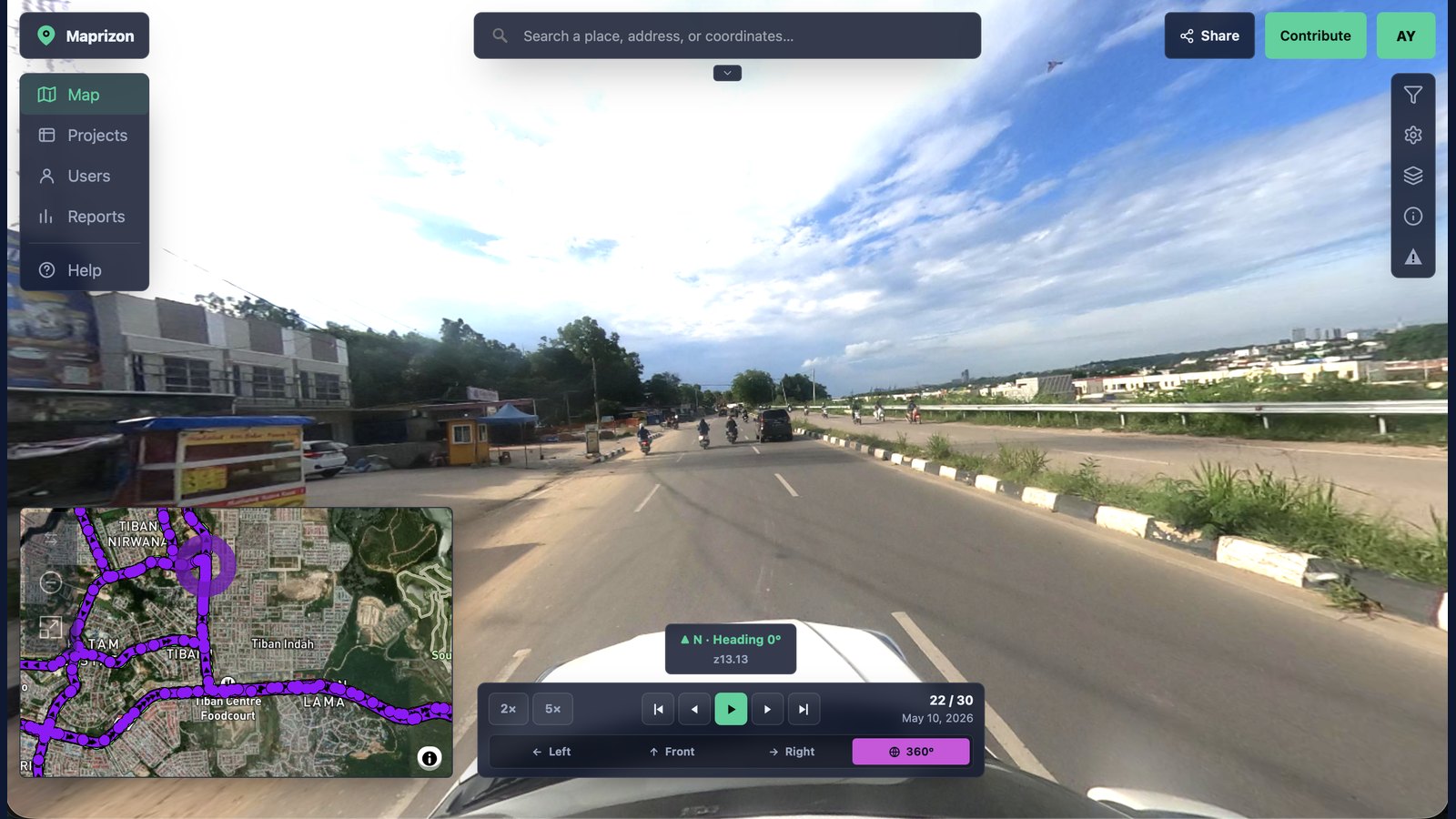
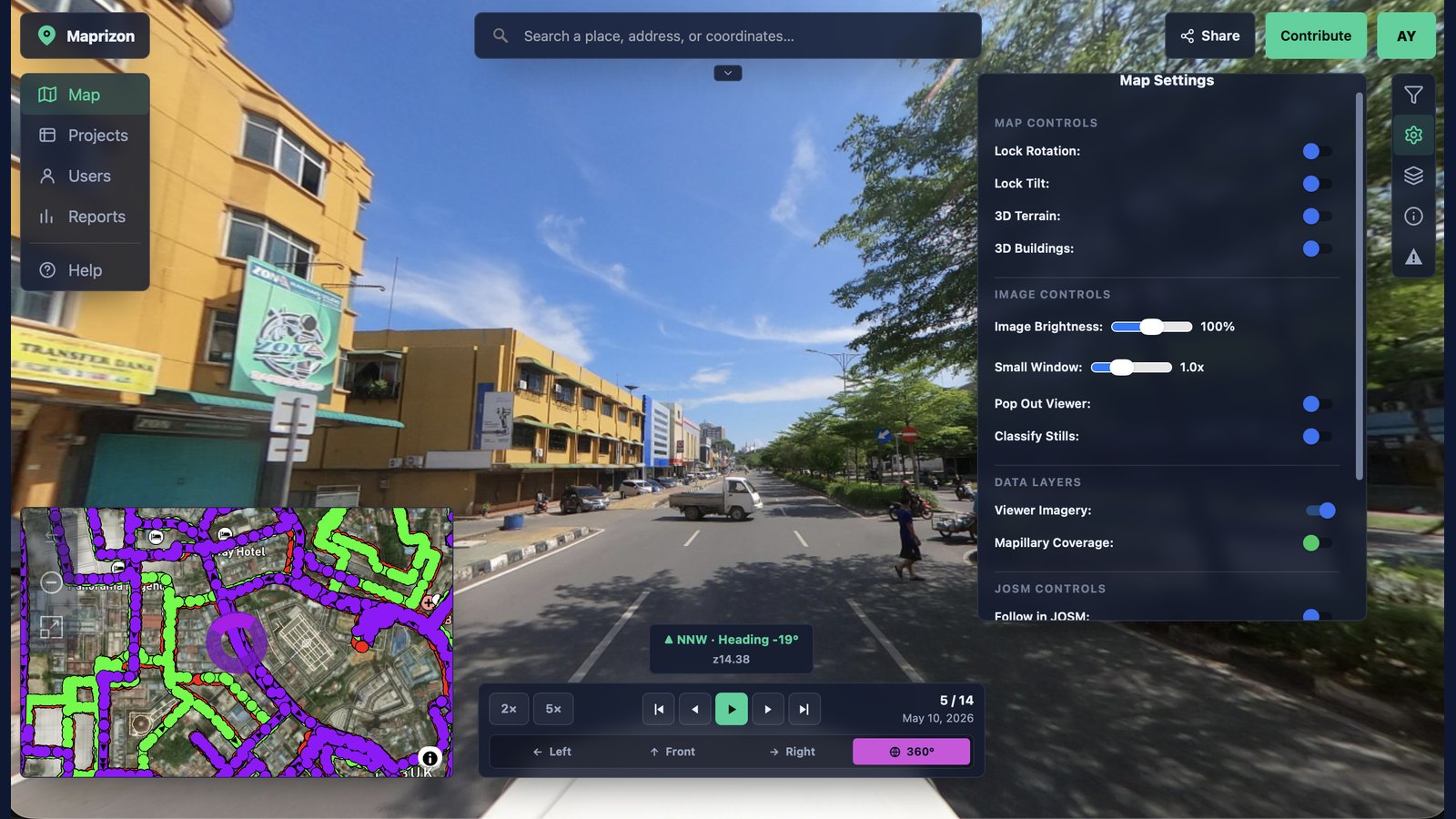
Maprizon is the community-powered alternative to Street View. Capture with any camera, decide how it's shared, and see it on the map in hours: contribute to OpenStreetMap, or keep it in a secure private repository for your organization. You decide.
You control how every image is shared. Contribute it to the open map for OpenStreetMap and the community, or keep it in a private repository for your organization. You decide — per account, and per upload.
Put places on the open map and keep them fresh. Your imagery is openly licensed, explorable by anyone, and wired straight into the OSM editing workflow.
Keep proprietary captures in secure, private collections visible only to the people you choose — with the same viewer, advanced tools, and full-resolution imagery.
Street View limits how you access, use, and license its imagery — behind expensive APIs and strict terms, recaptured only every few years. Maprizon is rebuilt around what actually matters: how current the imagery is, what it costs, and who gets to see it — open to the world or private to your team, your choice.
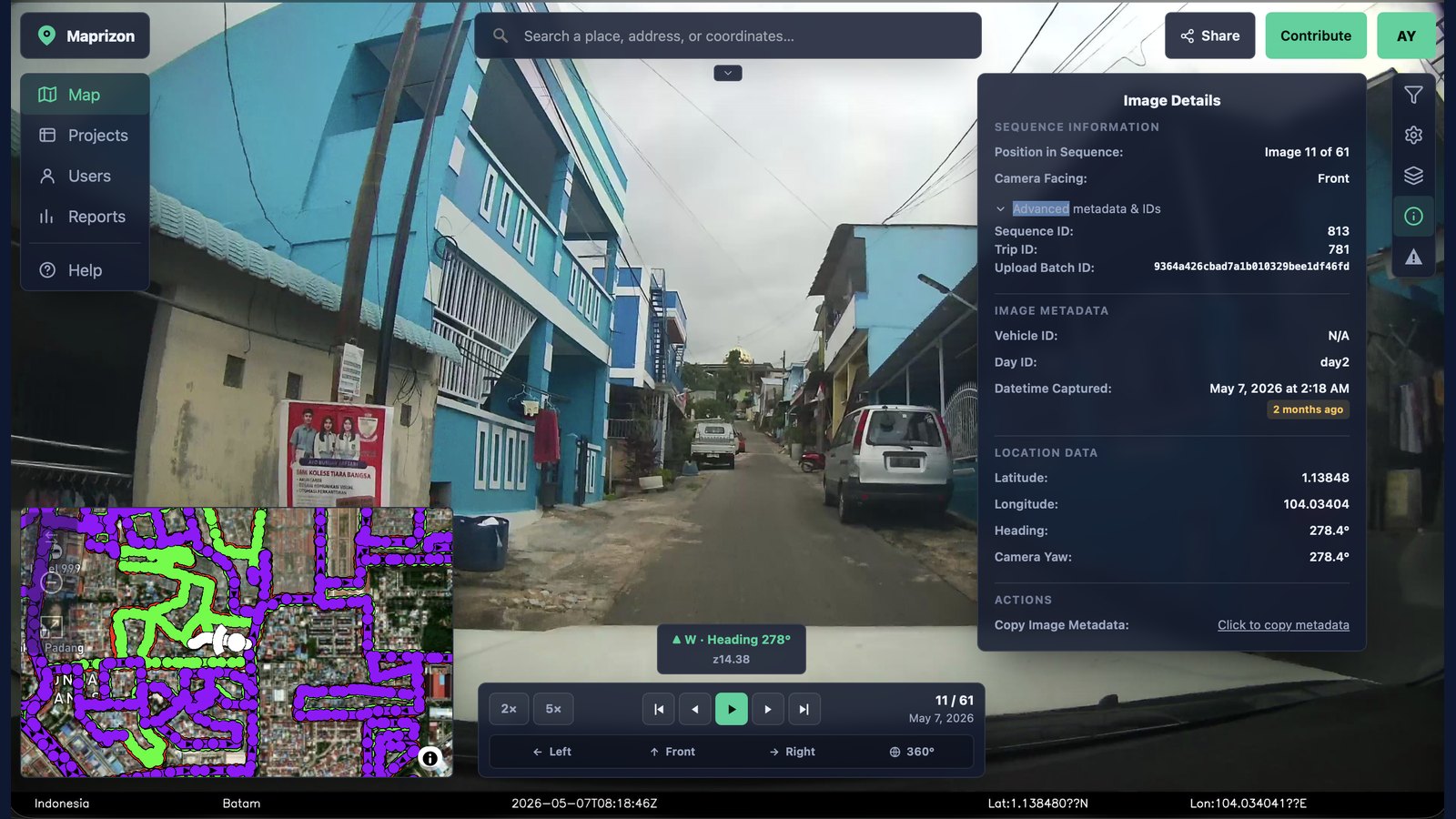
Coverage is driven by a live community of contributors, so streets get refreshed when they change — new construction, closed lanes, redrawn intersections. Every image is stamped with a capture date, and freshness is a first-class layer on the map, not an afterthought.
A free tier gets you started, and team plans are priced simply and up front — clear per-seat pricing instead of confusing per-view metering. Easy to understand, and predictable as you grow.
Public contributions feed an open map the whole community can build on — powering OpenStreetMap, humanitarian and civic mapping, research, and navigation. Open licensing keeps the imagery useful to everyone, not locked inside one platform.
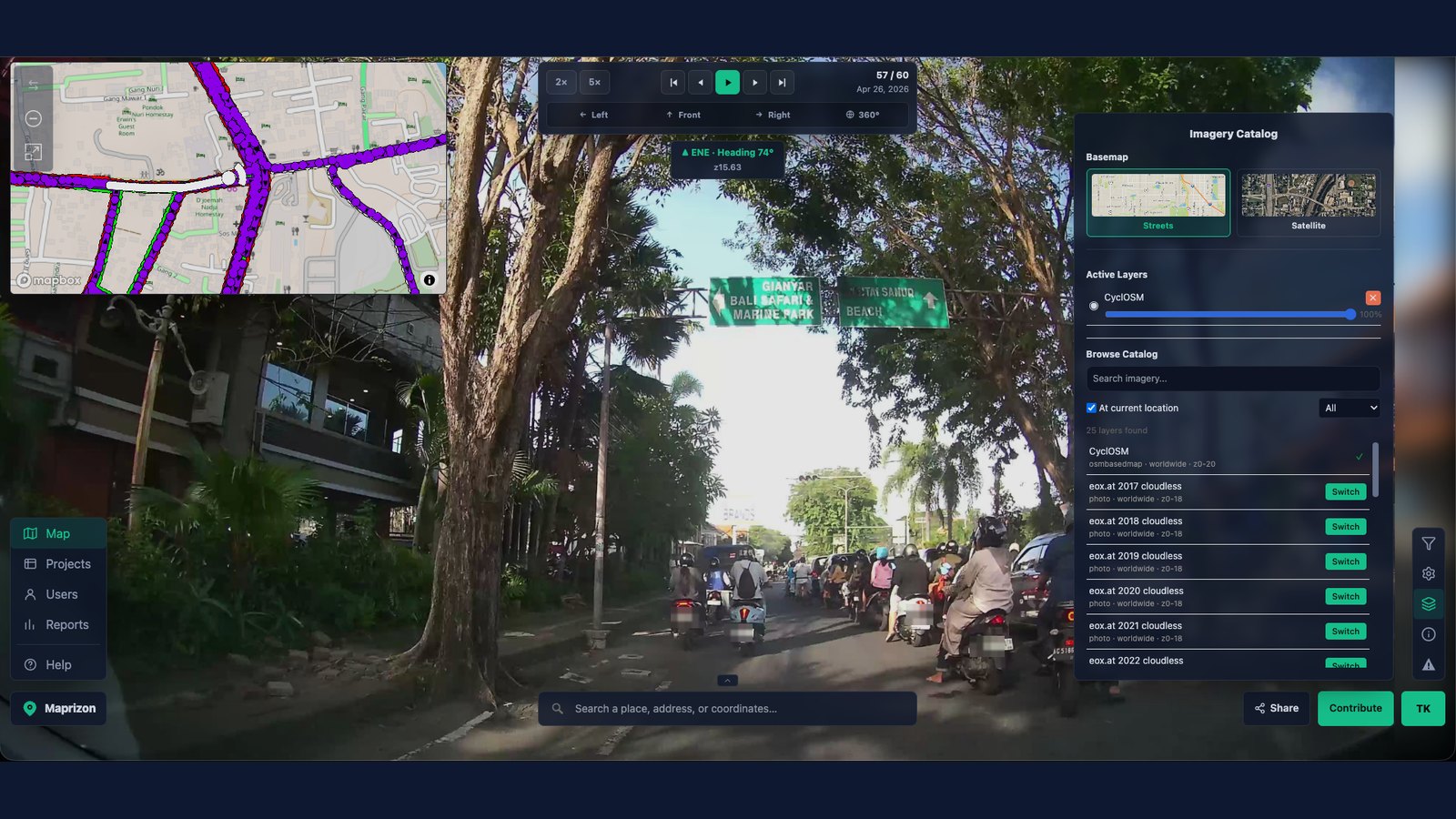
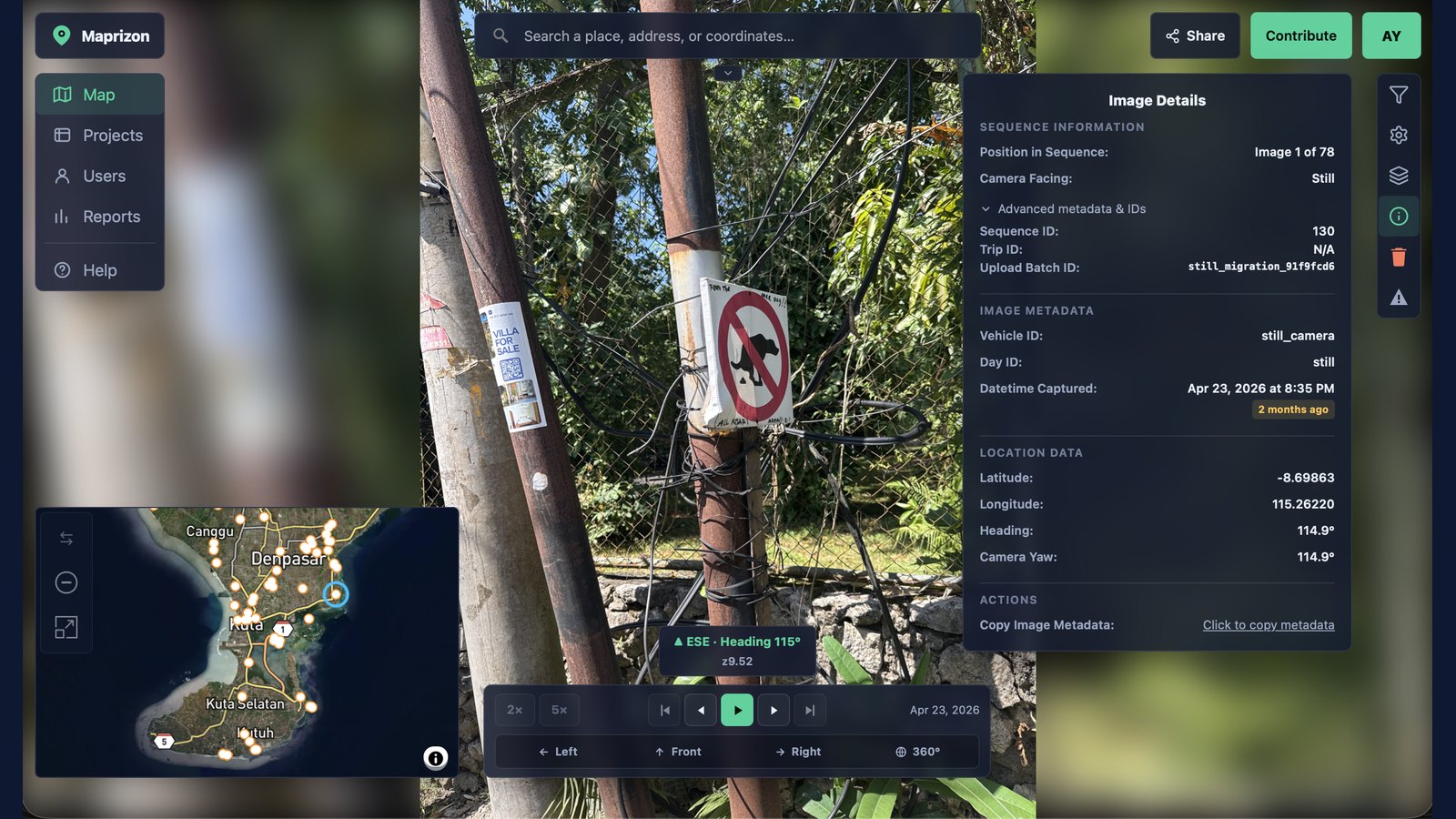
Street-level, 360°, and drone imagery side-by-side with live map data — at full resolution, with zero compression. Phone, action cam, or a roof-mounted 360 rig: if it has GPS, Maprizon puts it on the map.
Capture-to-map pipeline, Privacy tooling, and more integrations — ready out of the box.
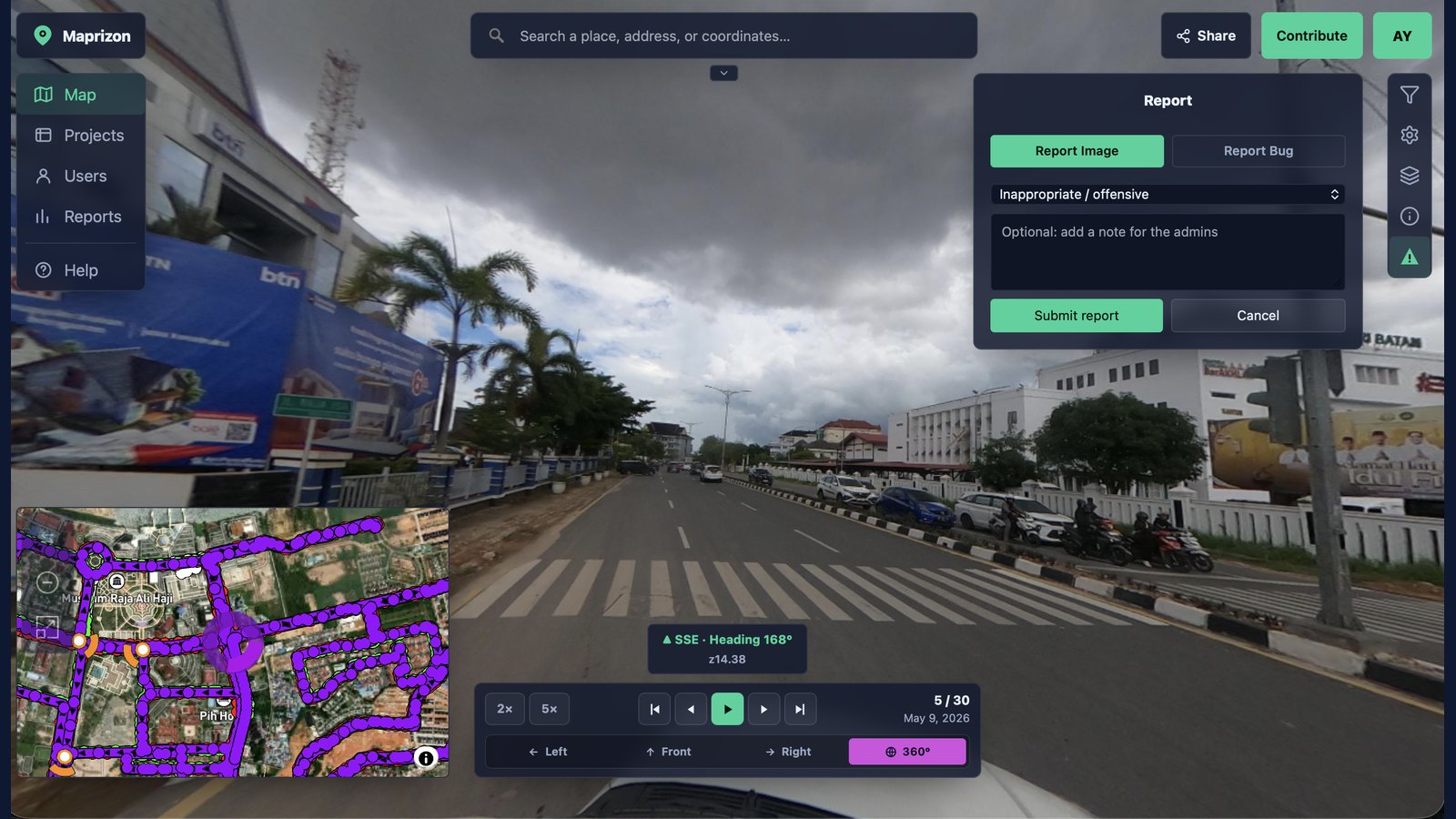
Faces and license plates are detected and blurred on upload — by default. Privacy is the starting point, not a paid add-on.
Color-coded controls show exactly which way you're looking — left, front, right, or full 360° — matched to the same colors on the map, so the angle you're viewing is always clear.
Built for editing first. Imagery tracks sync straight into JOSM, so you follow the drive and reference street-level views right where you map — no copying coordinates or juggling separate tools. Mapping OpenStreetMap is faster and more accurate than bolting street view onto a general-purpose viewer.
Set a default in your account, then flip any upload or collection between open and private. Contribute to OSM and lock down proprietary work — all from one workspace.
Automatically extract signs, poles, road markings, and other assets from imagery and place them on the map as data.
On the roadmapPull imagery and detections into your own GIS, app, or pipeline. Your data is portable by design — bring it in, take it out.
On the roadmapAny GPS-enabled camera works — a phone in a windshield mount is enough to get started.
Drive, ride, or walk with any GPS-enabled 360° or action camera. Every frame is automatically geotagged with its location and heading as you capture, so each image lands in exactly the right spot — and points the right way — on the map.
Add your camera recordings or still images into the web uploader. Faces and plates are blurred and tracks are aligned automatically.
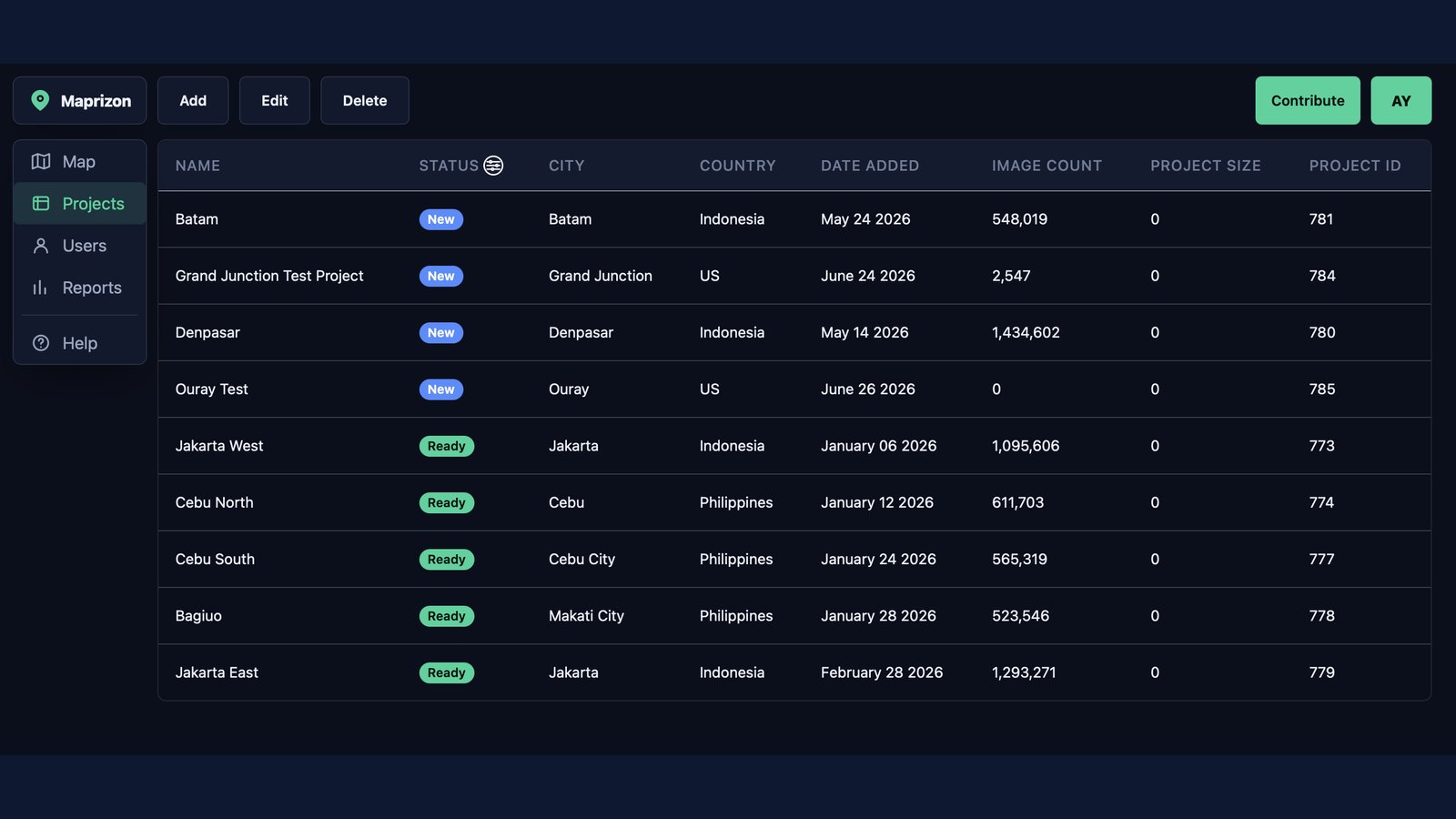
Your imagery appears on the map within minutes. Manage it in your project folders and decide how each collection is used — keep it private to your team, publish it to the open map and sync to OSM, or push it to other platforms like Mapillary.
How Maprizon compares to the platforms mappers use today.
| Maprizon | Street View | Mapillary | Panoramax | |
|---|---|---|---|---|
| Free tier to get started | Yes | No capture path | Yes | Yes |
| Fresh, continually updated imagery | Yes | Yes | Partial | Partial |
| Public or private, your choice | Yes | Enterprise only | Public-first | Public-first |
| Drone + 360° + street-level | All three | Street only | Street + 360° | Street + 360° |
| Full resolution, no compression | Yes | Compressed | Compressed | Varies |
| Built for OSM / JOSM editing | Yes | No | Sort of | Sort of |
| Export to other platforms (e.g. Mapillary) | Yes | No | No | Partial |
| Transparent, per-seat pricing | Yes | Costly API | B2B paywall | Grant-funded |
Comparison reflects publicly available positioning as of 2026 and is intended as a general guide.
Open contributors never pay. Teams with private repositories pay a fair, predictable rate — no per-view metering.
For mappers and contributors sharing openly with OpenStreetMap and the community.
For teams who need private imagery repositories, collaboration, and priority tooling.
For large organizations, agencies, and governments needing scale and control.
Maprizon is a platform for street-level, 360°, and drone imagery that works two ways: contribute openly to the map for OpenStreetMap and the community, or keep imagery in a private repository for your team. You choose how each upload is shared — it's an open alternative to closed platforms like Street View, and a secure home for proprietary captures.
You're in control. Set a default sharing mode in your account settings, then confirm or override it on every upload. Public imagery joins the open map and can sync to OpenStreetMap; private imagery stays in a repository visible only to the people you choose. You can mix both in one workspace and change a collection's visibility at any time.
Any GPS-enabled camera works — smartphones, action cameras, and 360° rigs all qualify. Each frame is geotagged with its location and heading as you drive, ride, or walk; then you add the recording or still images in the web uploader.
A free tier lets you capture, upload, and view imagery at no cost. Paid team plans add collaboration, private repositories, and advanced tools — priced simply per seat, with clear pricing instead of confusing per-view metering.
You do. You set how each upload is shared: public contributions are released under an open license for the community and OpenStreetMap, while private imagery stays in a repository visible only to the people you choose. Change a collection’s visibility anytime, and manage your imagery in project folders — including pushing it to other platforms like Mapillary.
Faces and license plates are automatically detected and blurred on upload, by default. You can also request additional blurring, and sensitive areas can be excluded entirely.
Most uploads are processed and live on the map within minutes. Processing includes privacy blurring and track alignment, with automated feature detection on the roadmap.